Directory Solution
This solution has several unique features. Review these slides to understand them further.
Directory
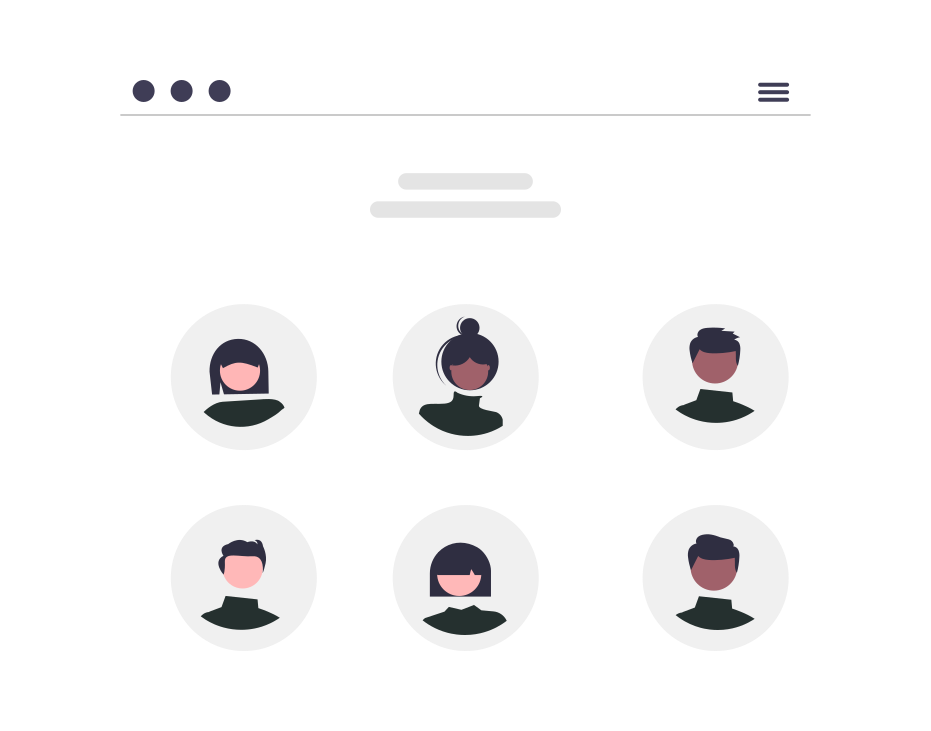
The Directory is a custom screen that shows a list of users and their details in various tabs. The details have links to apply filters back to the Directory screen, Offices screen, or Groups screen. Note the screen instructions in Edit mode of Studio.
Org Chart
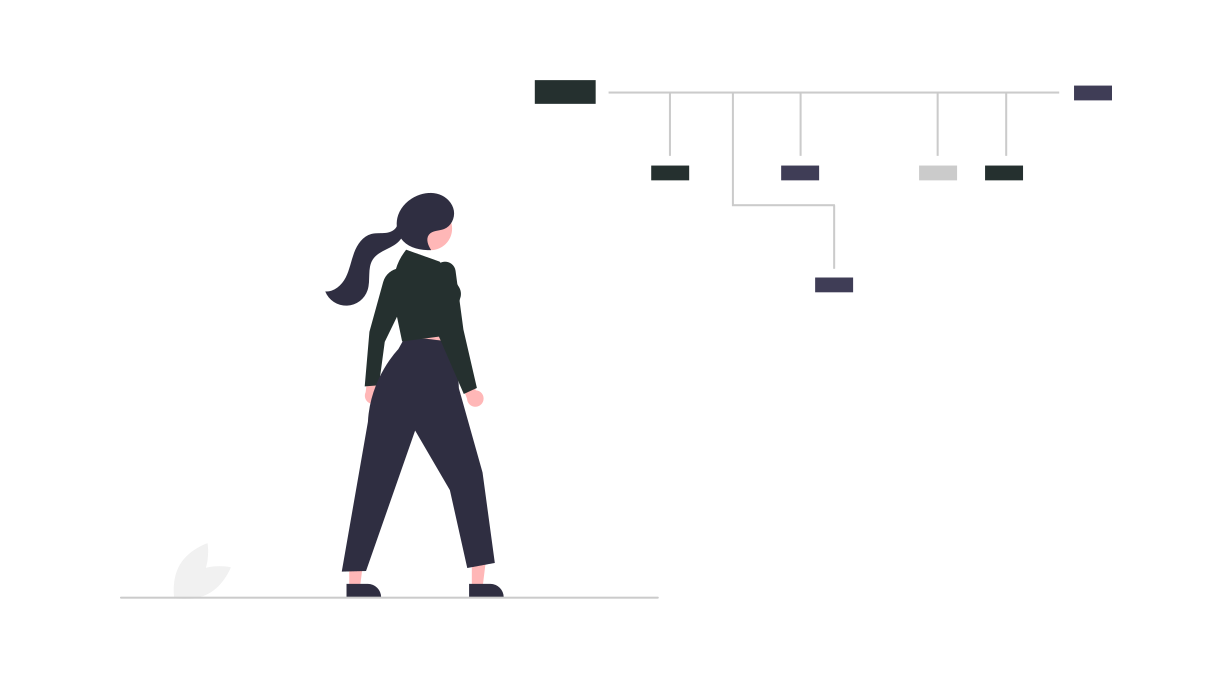
This screen is custom and depends on related data from the People data source. Note the screen instructions in Edit mode of Studio to configure this correctly.

Capacity Features
Some users will have the ability to set their weekly capacity and others will be managers to review that capacity. Users can be edited via the Directory screen when logged in as an admin.

Work Opportunities
Users can also be open to take work opportunities created by managers. Several automated notifications will be sent. These can be adjusted via the Admin Notifications section.

Additional Information
Further information on additional features in the app can be found on our help site.

Get Started
Try out the solution by logging in with one of the provided accounts in the next screen. Login instructions are available in the Edit mode of Studio.